
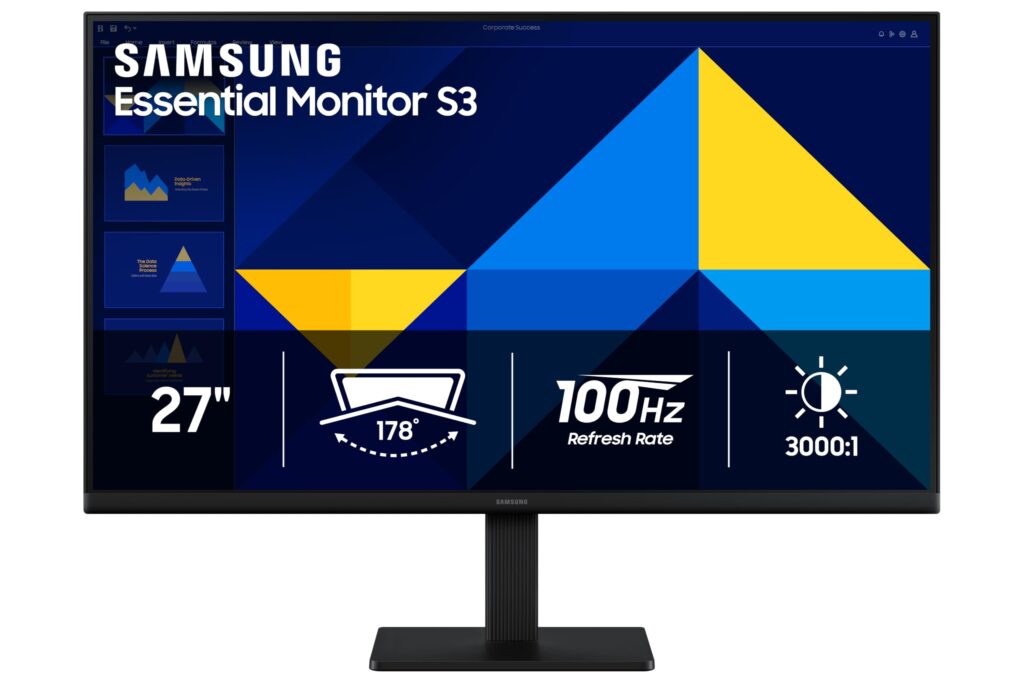
- 100 Hz refresh rate reduces motion blur and lag compared to standard 60 Hz office displays
- IPS panel provides consistent color reproduction and clarity across wide viewing angles
- Minimalist design with quick setup and intuitive menu controls
- Tilt-only stand lacks height, swivel, or pivot ergonomic adjustments
- Isolated user report of unexpected shutdowns with a Support-locked OSD and inaccessible firmware update files on Samsung's website
Overview
Everyday desktop work feels noticeably smoother at 100 Hz than on legacy 60 Hz office screens, and the Samsung 27″ Business Essential Monitor S30GD targets that exact upgrade path. Built around a flat 27-inch FHD IPS panel, the display cuts down on motion blur and lag during rapid scrolling, window movement, and spreadsheet navigation while maintaining consistent color reproduction and clarity across viewing angles. Offered under the S27D304GAN and S27D300GAN model designations, it prioritizes straightforward daily usability over flashy extras.
Physical construction leans into a clean, minimalist aesthetic that blends naturally into office desks and home workspaces alike. Initial setup is quick, and the on-screen menu stays intuitive when dialing in basic picture adjustments. Its primary ergonomic trade-off sits at the base: the included stand offers tilt-only adjustment, omitting height, swivel, and pivot articulation for users who prefer flexible screen positioning.
On the software and support front, overall ownership looks steady for routine office duty, aside from one notable caveat in user feedback. An isolated report documented an unexpected power-off where the display failed to wake normally and restricted the OSD menu to its Support option, with no downloadable firmware file available on Samsung’s support site even though the update prompt specifies a 32 GB or smaller flash drive. While a single report does not establish a widespread fault, IT buyers planning multi-unit deployments should confirm Samsung’s firmware access and warranty workflow beforehand.
Technical Specifications
| Brand | Samsung |
| Model | 27" Business Essential Monitor S30GD |
| Model Numbers | S27D304GAN (LS27D304GANXZA), S27D300GAN (LS27D300GANXZA) |
| Screen Size | 27 in (68.6 cm) |
| Panel Type | IPS |
| Resolution | FHD |
| Refresh Rate | 100 Hz |
| Screen Shape | Flat |
| Stand Adjustability | Tilt-only |
Primary Sources & Audited Citations
Recommended Alternatives in Monitors & Displays
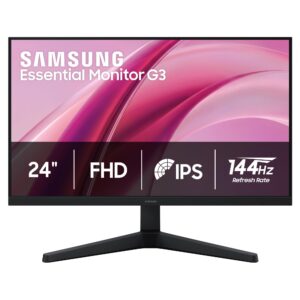
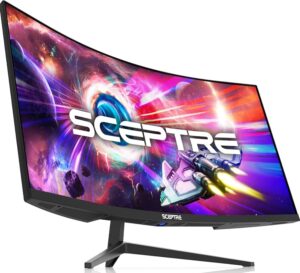
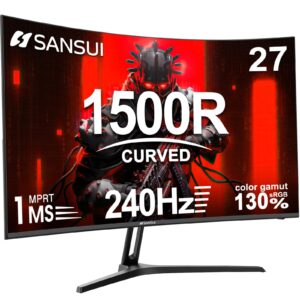
At a Glance
How reliable is the Samsung 27″ Business Essential Monitor S30GD according to Mizex audits?
Buy this if you want a straightforward 27-inch 100 Hz IPS display for daily office work; look at a height-adjustable QHD monitor if you need full desk ergonomics or sharper text density.
What are the known quirks or drawbacks of the Samsung 27″ Business Essential Monitor S30GD?
Our reliability audit identified the following documented caveats:
- Tilt-only stand lacks height, swivel, or pivot ergonomic adjustments
- Isolated user report of unexpected shutdowns with a Support-locked OSD and inaccessible firmware update files on Samsung's website
What are the key engineering highlights of the Samsung 27″ Business Essential Monitor S30GD?
The top strengths recorded in our evaluation include:
- 100 Hz refresh rate reduces motion blur and lag compared to standard 60 Hz office displays
- IPS panel provides consistent color reproduction and clarity across wide viewing angles
- Minimalist design with quick setup and intuitive menu controls